
Speed X: Traffic Racer Driving0.0.14 - Google Play
You'll be able to see results in few seconds.
Publisher Description
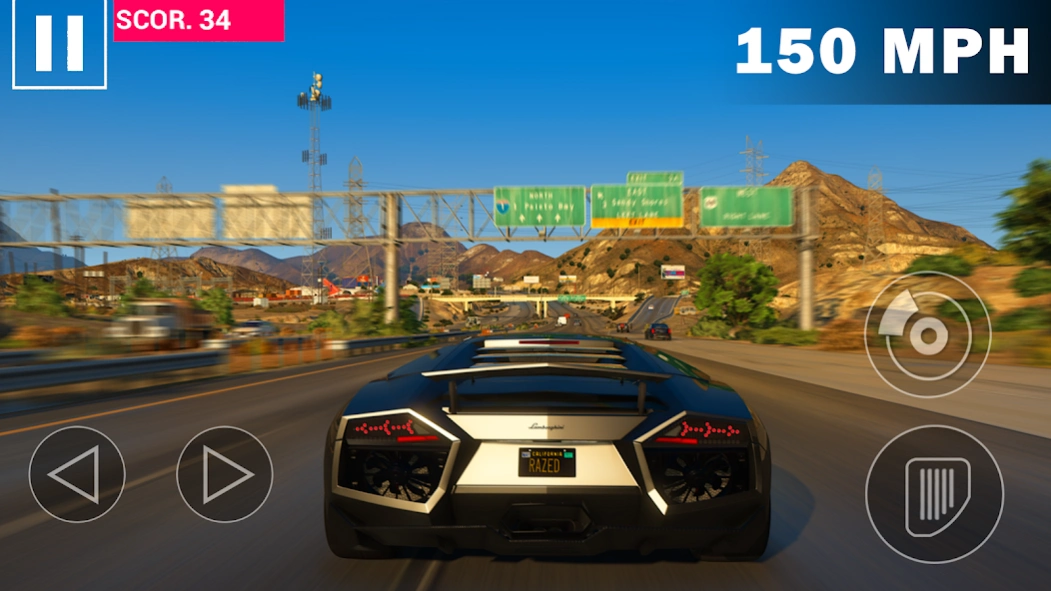
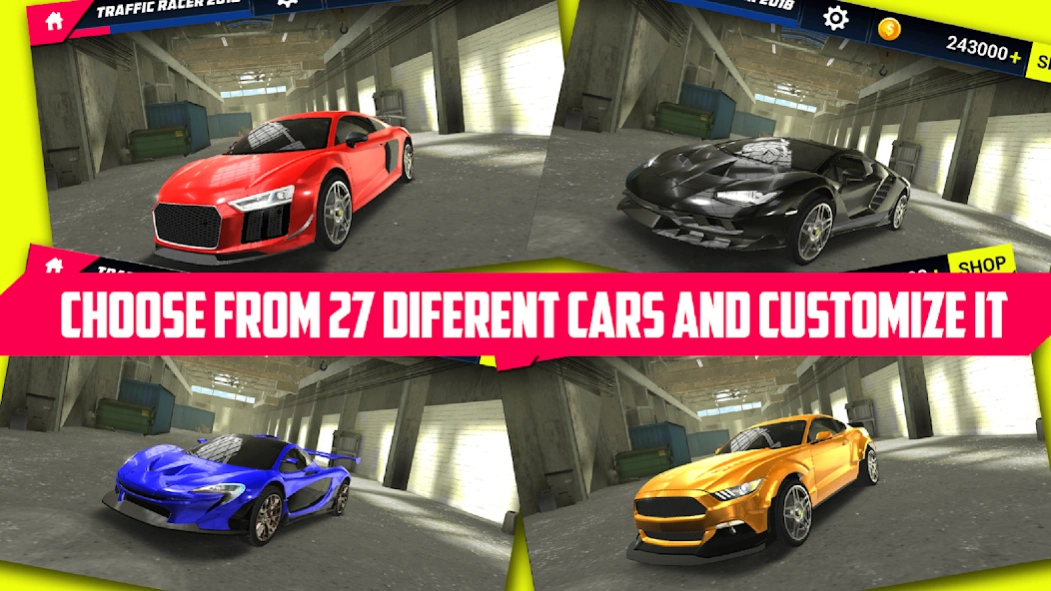

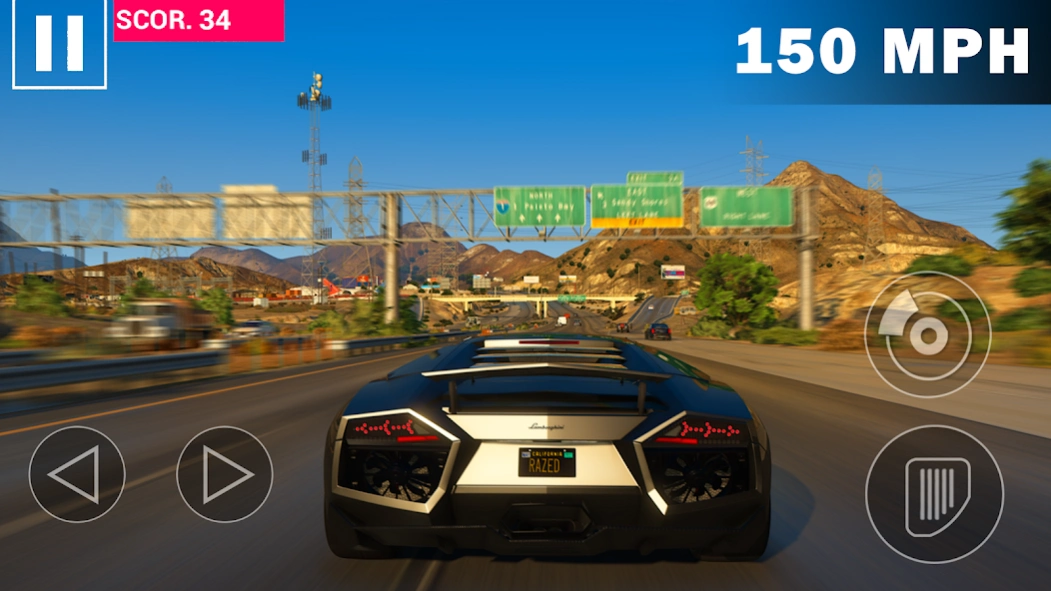
Traffic Racer Endless Arcade Racing - Overtaking games.
Speed X is a milestone in the genre of endless arcade racing. Drive your car through highway traffic, earn cash, upgrade your car and buy new ones. Try to be one of the fastest drivers in the global leaderboards. Endless racing is now redefined!
KEY FEATURES
- Stunning 3D graphics
- Smooth and realistic car handling
- 35+ different cars to choose from
- 5 detailed environments: suburb, desert, snowy, rainy and city night
- 5 game modes: Endless, Two-Way, Time Trial, Police Chase and Free Ride
- Rich types of NPC traffic including trucks, buses and SUVs.
- Basic customization through paint and wheels
- Online Leaderboards and Achievements
GAMEPLAY
- Tilt or Touch to steer
- Touch gas button to accelerate
- Touch brake button to slow down.
TIPS
- The faster you drive the more scores you get
- When driving over 100 kmh, overtake cars closely to get bonus scores and cash
- Driving in opposite direction in two-way mode gives extra score and cash
Speed X will be updated constantly. Please rate and give your feedback for further improvement of the game.
About Speed X: Traffic Racer Driving
The company that develops Speed X: Traffic Racer Driving is Racing Games Mobile. The latest version released by its developer is 0.0.14.
To install Speed X: Traffic Racer Driving on your Android device, just click the green Continue To App button above to start the installation process. The app is listed on our website since 2022-10-26 and was downloaded 0 times. We have already checked if the download link is safe, however for your own protection we recommend that you scan the downloaded app with your antivirus. Your antivirus may detect the Speed X: Traffic Racer Driving as malware if the download link to com.racing.games.mobile.real.csr.asphalt.driving.simulator.rider.traffic.racer is broken.
How to install Speed X: Traffic Racer Driving on your Android device:
- Click on the Continue To App button on our website. This will redirect you to Google Play.
- Once the Speed X: Traffic Racer Driving is shown in the Google Play listing of your Android device, you can start its download and installation. Tap on the Install button located below the search bar and to the right of the app icon.
- A pop-up window with the permissions required by Speed X: Traffic Racer Driving will be shown. Click on Accept to continue the process.
- Speed X: Traffic Racer Driving will be downloaded onto your device, displaying a progress. Once the download completes, the installation will start and you'll get a notification after the installation is finished.
Program Details
System requirements
Download information
Pricing
Version History
version 0.0.14
posted on 2022-10-26
Top free racing games of 2021
New Cars : Audi R8, Bmw, Bentley, Lamborghini Urus
version 0.0.11
posted on 2022-10-26
Top free racing games of 2021
New Cars : Audi R8, Bmw, Bentley, Lamborghini Urus
version 0.0.9
posted on 2021-10-30
Top free racing games of 2018
New Cars : Audi R8, Bmw, Bentley, Lamborghini Urus
Disclaimer
Official Google Play Link
We do not host the Speed X: Traffic Racer Driving app on our servers. We did not scan it for viruses, adware, spyware or other type of malware. This app is hosted by Google and passed their terms and conditions to be listed there. We recommend caution when installing it.
The Google Play link for Speed X: Traffic Racer Driving is provided to you by apps112.com without any warranties, representations or guarantees of any kind, so access it at your own risk.
If you have questions regarding this particular app contact the app developer directly. For questions about the functionalities of the apps112.com website, contact us.
